Here is what is new in HEXOstudios 1.2.
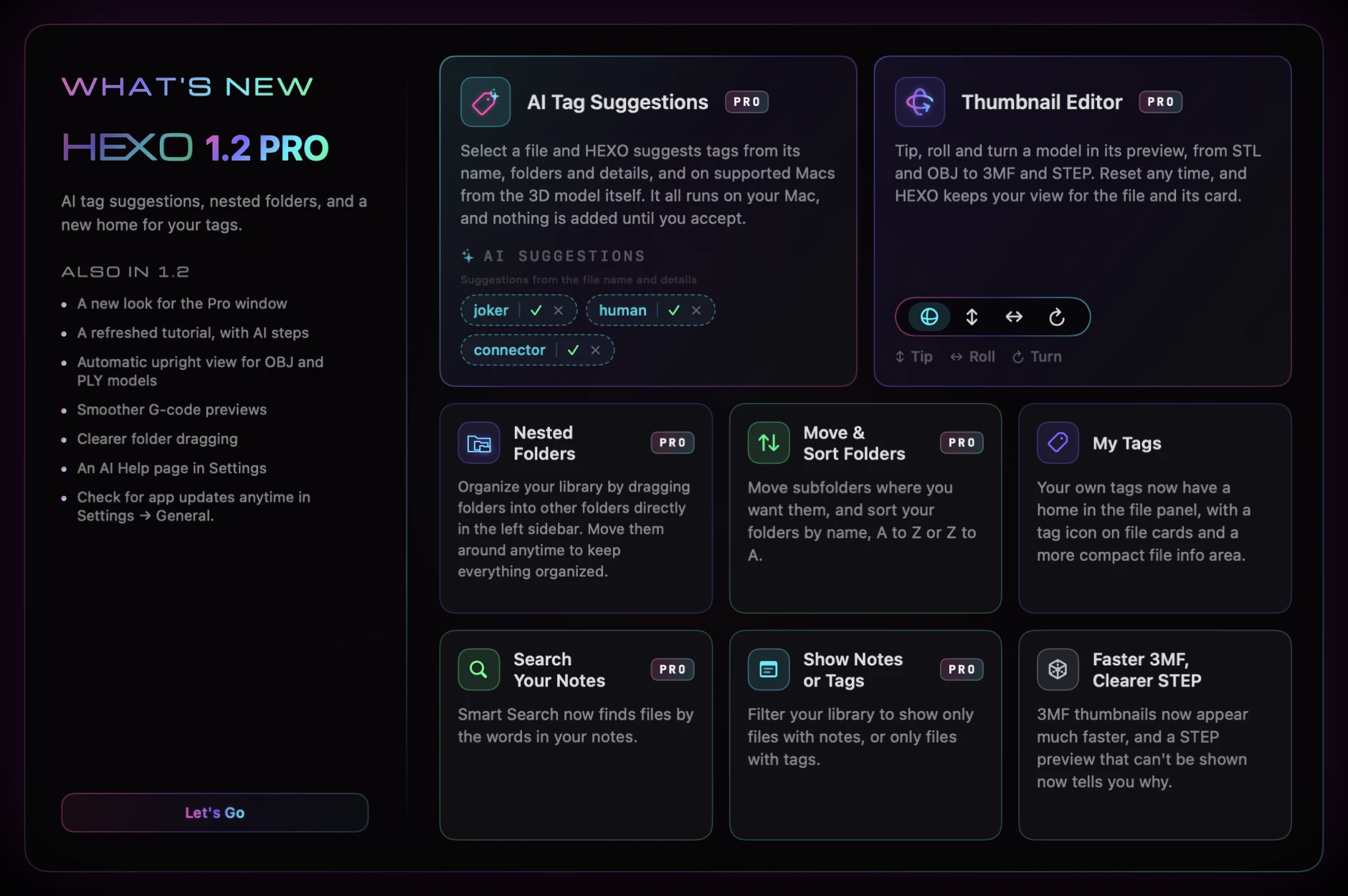
01AI Tag Suggestions
Select a file and HEXO suggests tags from its name, folders and details, and on supported Macs from the 3D model itself. It all runs on your Mac, and nothing is added until you accept. A Pro feature.
02Thumbnail Editor
Tip, roll and turn a model in its preview, from STL and OBJ to 3MF and STEP. Reset any time, and HEXO keeps your view for the file and its card. A Pro feature.

- 1Play
- 2Solid
- 3Mesh
- 4Thumbnail Editor
- 5Tip
- 6Roll
- 7Turn
03Nested Folders
Organize your library by dragging folders into other folders directly in the left sidebar. Move them around anytime to keep everything organized. A Pro feature.
04Move & Sort Folders
Move subfolders where you want them, and sort your folders by name, A to Z or Z to A. A Pro feature.
05My Tags
Your own tags now have a home in the file panel, with a tag icon on file cards and a more compact file info area.
06Search Your Notes
Smart Search now finds files by the words in your notes. A Pro feature.
07Show Notes or Tags
Filter your library to show only files with notes, or only files with tags. A Pro feature.
08Faster 3MF, Clearer STEP
3MF thumbnails now appear much faster, and a STEP preview that can't be shown now tells you why.
09Also in 1.2
- A new look for the Pro window
- A refreshed tutorial, with AI steps
- Automatic upright view for OBJ and PLY models
- Smoother G-code previews
- Clearer folder dragging
- An AI Help page in Settings
- Check for app updates anytime in Settings → General.
Some features require HEXOstudios Pro. The 14-day Pro trial includes them.