The STL viewer for Mac that shows your whole library.
HEXOstudios renders every STL file on your Mac as a 3D thumbnail and previews it in 3D, so you find the print you want by what it looks like, not by what it’s called.
- UNLIMITED STL PREVIEWS ON FREE
- MACOS 14 OR LATER
- APPLE SILICON AND INTEL

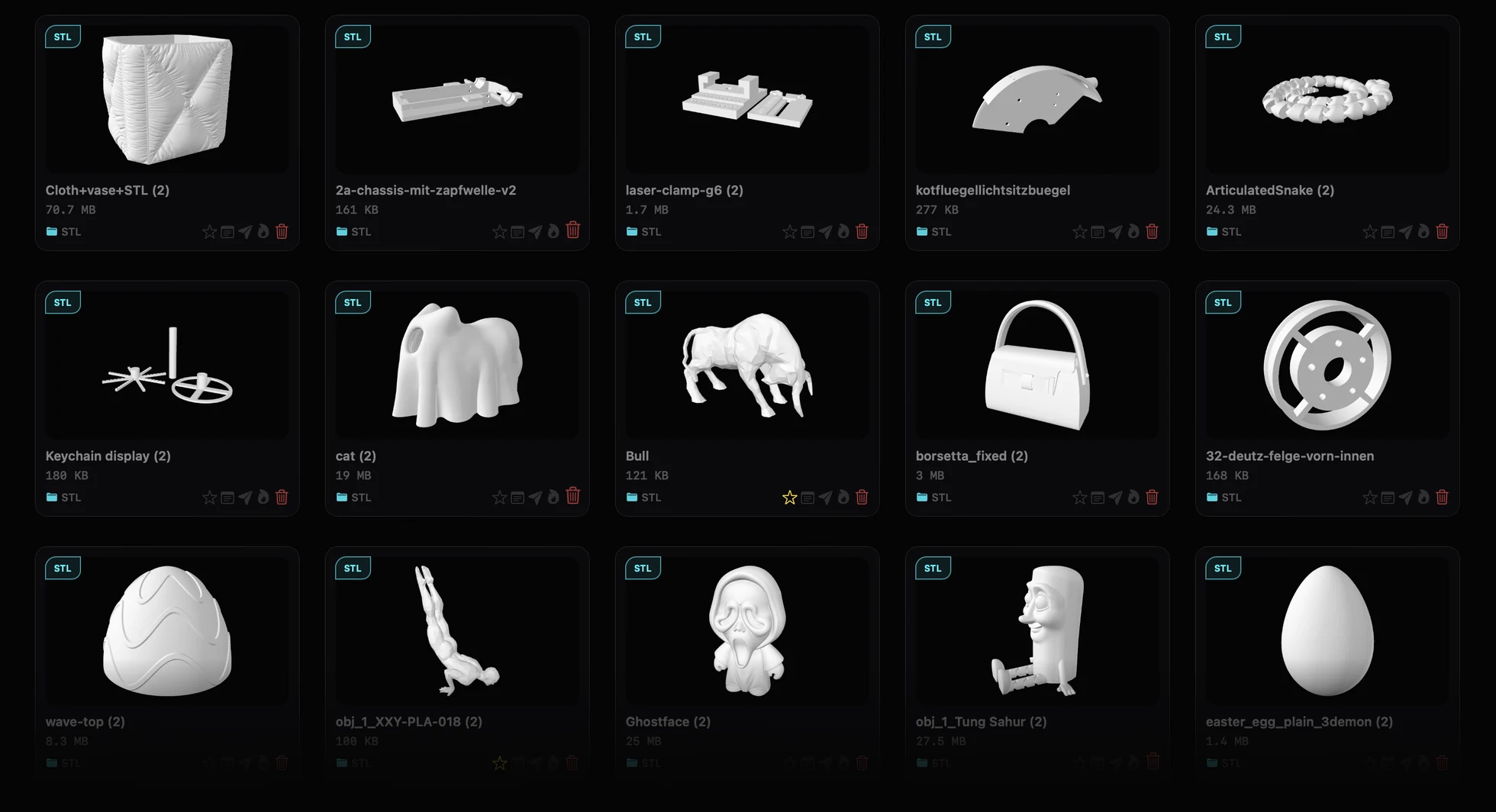
Every STL, rendered as the print it is.
A folder of STL files is a list of names. HEXOstudios turns it into a library you can see: each file becomes a card showing the model itself, so a dragon looks like a dragon and a bracket looks like a bracket, even when the file is called final_v3_fixed.stl.
Rendered thumbnails for every STL
Import a file or a folder and HEXOstudios renders a thumbnail for each STL, right on your Mac. There’s no limit on how many, even on Free.
Find it without hunting for it
Smart Search filters your whole library by name, file type, folder or tag, and understands words like “favorites”, “this week” or “large”. Batch Rename gives many files new library names in one pass. Both are free.
Your files stay where they are
HEXOstudios works with your STL files where they already live, on your Mac or on an external drive, and never copies them into itself. It has no network access of its own, so nothing is ever uploaded.
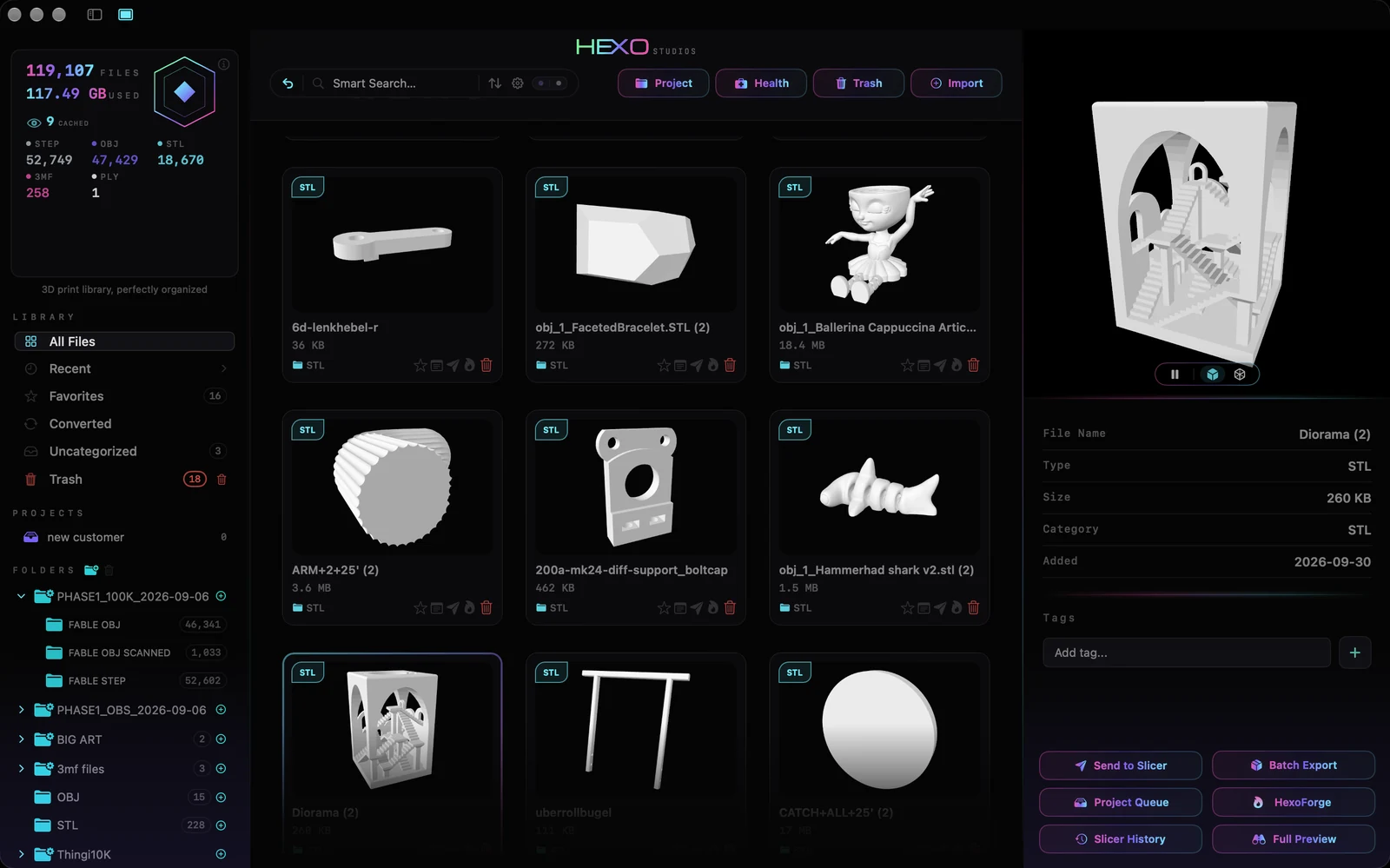
Check a model in 3D before you slice it.
A thumbnail tells you which file it is. A 3D preview tells you whether it’s the right one: the orientation, the proportions, the detail you remember.
3D preview, free
Select an STL and preview it in 3D inside the library: spin it, or switch between Solid and Mesh views. Unlimited STL previews are part of HEXOstudios Free, together with OBJ, PLY, AMF and USDZ.
Full 3D Preview PRO
Open any model full-screen in 3D with orbit and zoom. The same view covers every format HEXOstudios supports, and G-code files open as a toolpath view with their print details.
A viewer, not a slicer
HEXOstudios organizes and previews your files; it doesn’t slice them or control printers. When a model is ready, Send to Slicer hands it to the slicer you already use.
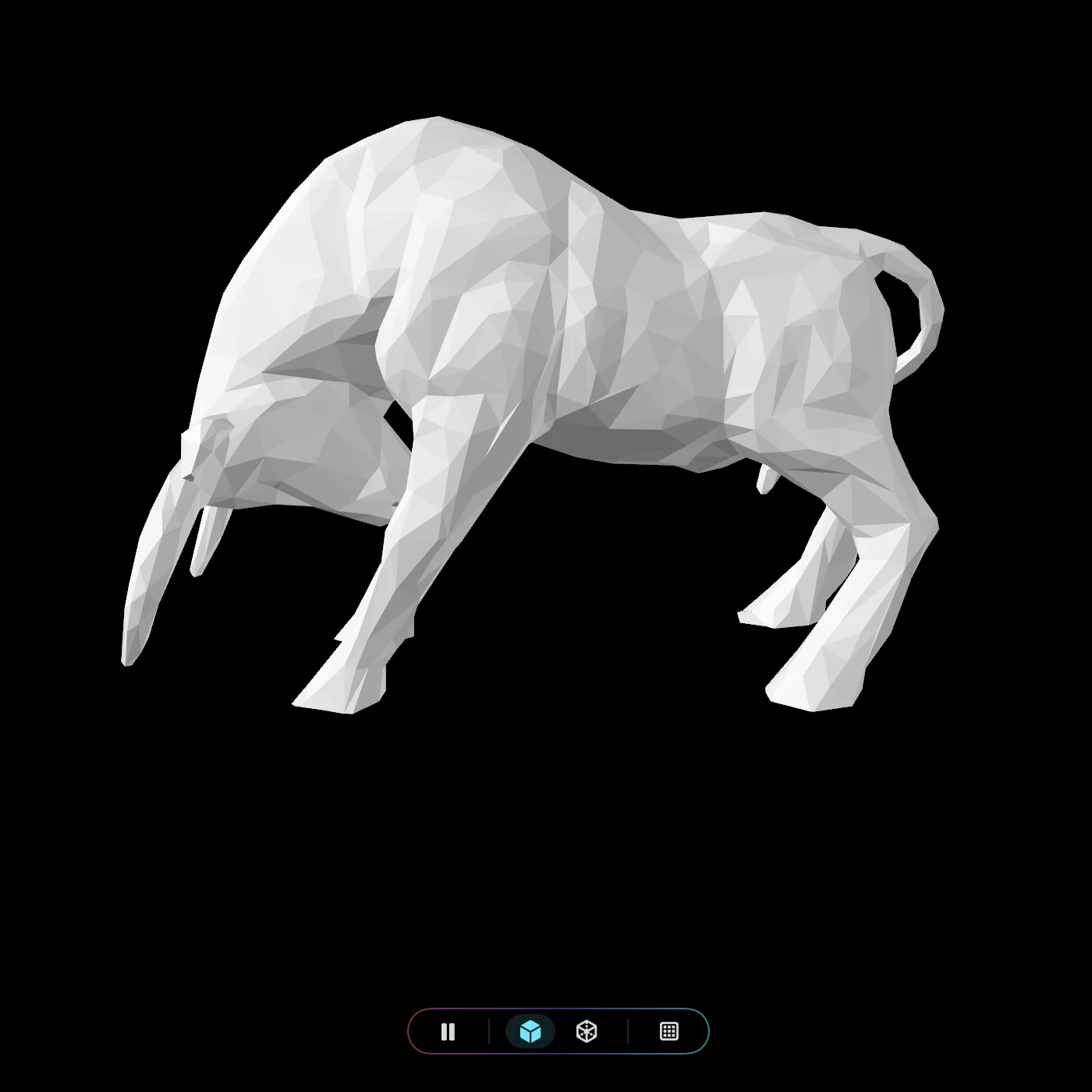
From a downloads folder to a library.
Folders that work the way you do
On Free, import files or a folder of files, sort models into your own folders and star your favorites. With Pro, bring in whole folder trees at once, 200,000+ files in a single import, with their subfolders kept as your library’s structure, up to three levels deep.
Big collections welcome
Your library has no limit on how many files it holds, even on Free. If your STL collection runs to thousands of files across several drives, read how HEXOstudios handles large 3D libraries.
Keep it clean PRO
Library Health scans the whole library for duplicate entries and oversized files, and removes them from your library in a click. Your files on disk are never touched.
When it’s time to print, one click.
Send to Slicer PRO
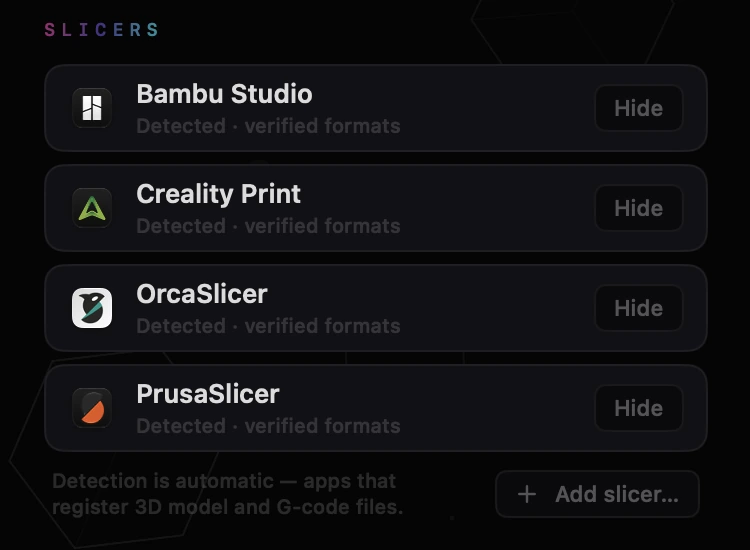
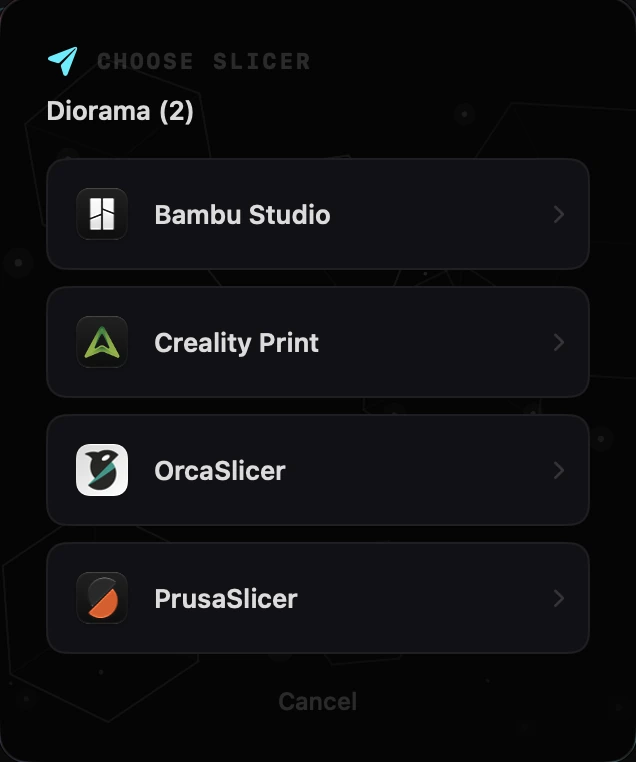
HEXOstudios detects the slicers installed on your Mac, with no fixed list, and sends an STL in one click, checking first that the slicer can open the format. You can add or hide slicers in Settings.
Project Queue PRO
Pull today’s files into Project Queue without moving them in your library, send them to your slicer one after another, and see which ones are sent.
Need an STL? Convert one. PRO
HEXOforge turns OBJ, PLY, 3MF and AMF files into clean STL copies, and STL into OBJ or PLY, locally on your Mac. No upload, no internet, no credits.
Thumbnails that follow your files PRO
Visual Export copies models to a folder or a ZIP, and supported models carry their HEXO-rendered thumbnail with them as their Finder icon, even unzipped on another Mac.
STL files on a Mac, answered.
Can I view STL files on a Mac for free?
Yes. HEXOstudios is free on the Mac App Store, and Free includes unlimited thumbnails and 3D preview for STL files, as well as OBJ, PLY, AMF and USDZ.
Is HEXOstudios a slicer?
No. HEXOstudios organizes and previews your files; it doesn’t slice them or control printers. When a file is ready to print, Send to Slicer (Pro) hands it to a slicer already installed on your Mac.
Does HEXOstudios copy or upload my STL files?
No. It works with your files where they already are and never copies them into itself. HEXOstudios has no network access of its own, no account and no cloud.
How many STL files can HEXOstudios handle?
Your library has no limit on how many files it holds, even on Free. HEXOstudios is built for real collections: with Pro you can import whole folder trees, 200,000+ files in a single import.
Can I convert OBJ, 3MF or PLY files to STL?
Yes, with HEXOforge (Pro). It converts STL, OBJ, PLY, 3MF and AMF files into clean STL, OBJ or PLY copies, locally on your Mac.
Which Macs does HEXOstudios run on?
Any Mac with macOS 14 Sonoma or later. HEXOstudios is a universal app that runs natively on both Apple silicon and Intel Macs.
Your STL library, visible on your Mac.
HEXOstudios is free on the Mac App Store. Try every Pro feature free for 14 days inside the app, then keep Pro for $24.99, once.
Questions? Write to support@hexostudios.com