Built for 3D libraries of 200,000+ files.
When a 3D print collection outgrows folders and filenames, HEXOstudios brings it into one visual library on your Mac: whole folder trees at once, their structure kept, every model rendered.
- 200,000+ FILES IN ONE IMPORT
- NO LIBRARY SIZE LIMIT
- FILES STAY WHERE THEY ARE

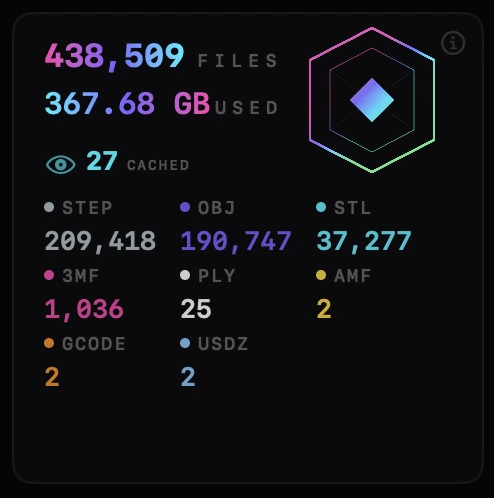
When a folder of files stops being a library.
Collections grow one download, one creator bundle and one late-night design at a time. Past a few thousand files, folders and filenames stop helping: the model you need is in there somewhere, under a name you don’t remember, on a drive you haven’t plugged in.
Names don’t scale. Pictures do.
HEXOstudios renders every supported file as the model itself, so a huge library can be scanned by eye, the way you remember your prints.
Seven formats, one place
STL, 3MF, STEP/STP, OBJ, AMF, PLY and USDZ files live side by side in one library, instead of one tool per format. See what HEXOstudios does with each format.
Bring the whole tree in at once.
200,000+ files in a single import PRO
With Nested Folders, import an existing folder tree in one go, 200,000+ files in a single import, and its subfolders become your library’s structure, up to three levels deep.
No library size limit, even on Free
HEXOstudios Free imports files, or a folder of files, into a library with no limit on how many files it holds. Importing whole nested trees in one step is part of Pro.
Nothing is copied or moved
Your files stay exactly where they are, on your Mac or on an external drive. HEXOstudios keeps an index and the rendered thumbnails in its own folder on your Mac, and never copies the models themselves into it.
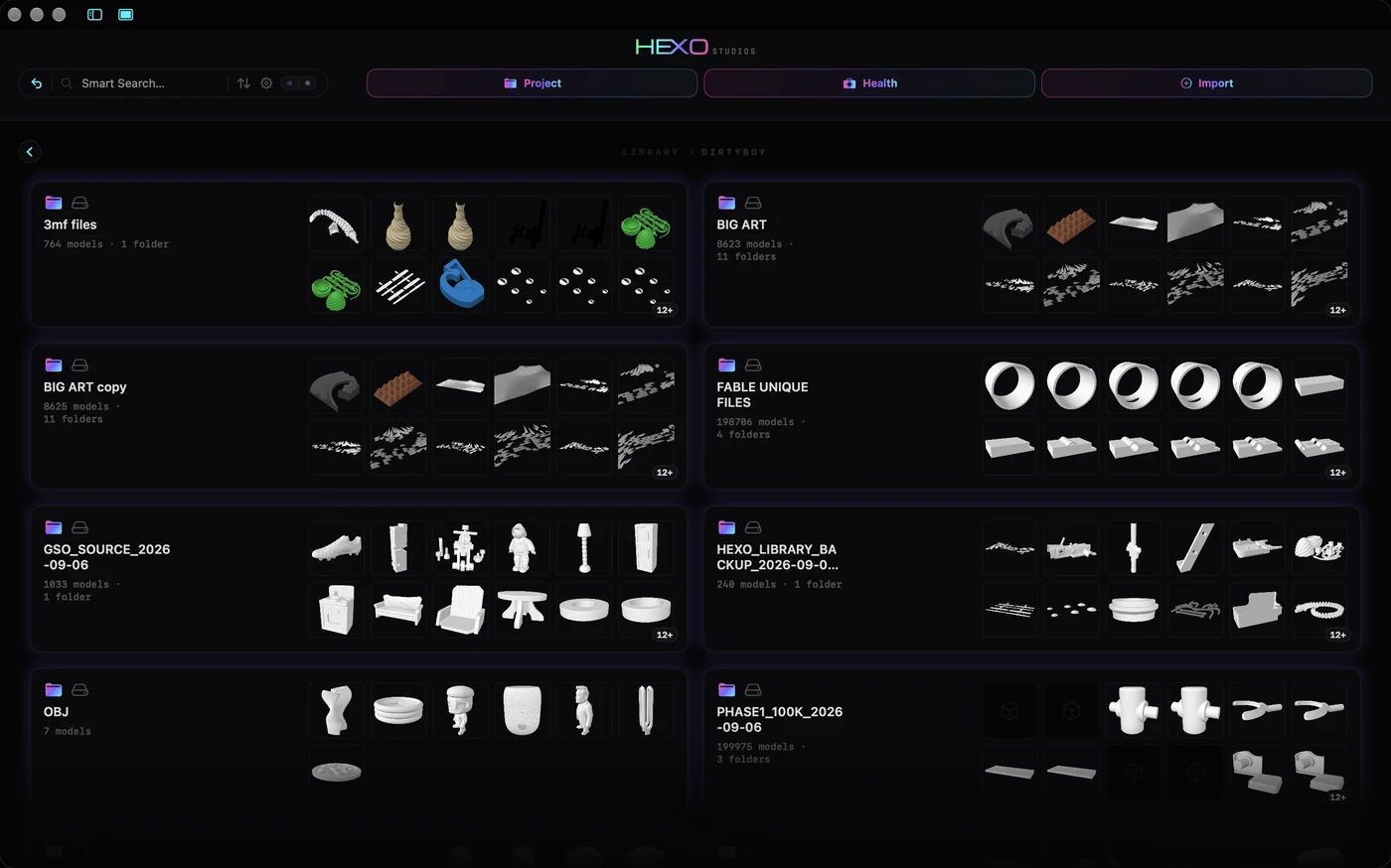
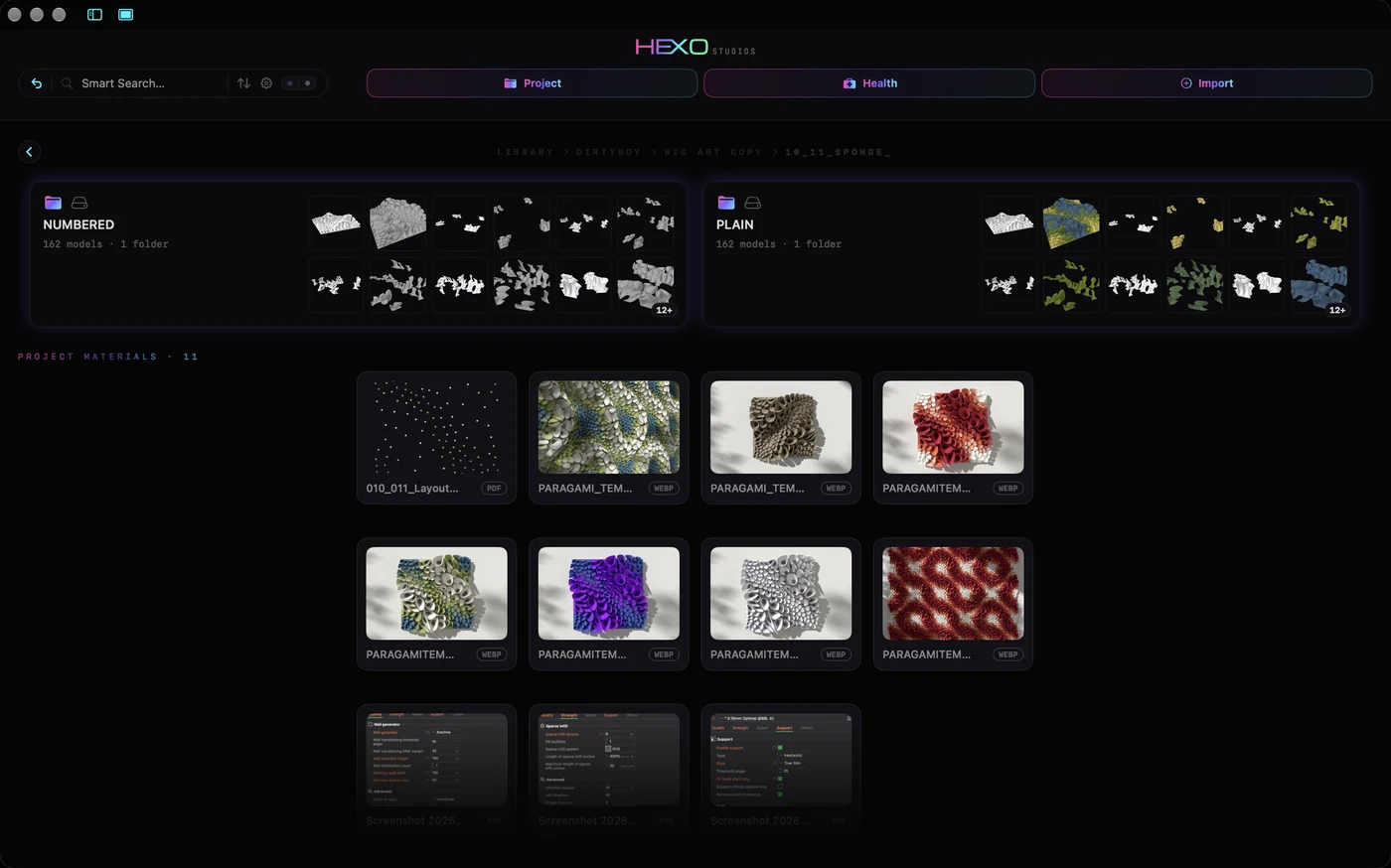
Find one model among two hundred thousand.
Smart Search
Filter the whole library by name, file type, folder or tag, or with words like “favorites”, “this week” or “large”. Smart Search is part of HEXOstudios Free.
Browse by sight
Rendered thumbnails turn scrolling into recognizing: a grid of models reads faster than any list of filenames. Thumbnails that haven’t been drawn yet are rendered in the background while your Mac is idle, pausing the moment you start working.
Keep today’s work within reach PRO
Project Queue pulls the files you’re working on out of the big library without moving them, and sends them to your slicer one after another.
Library Health for a library this size.
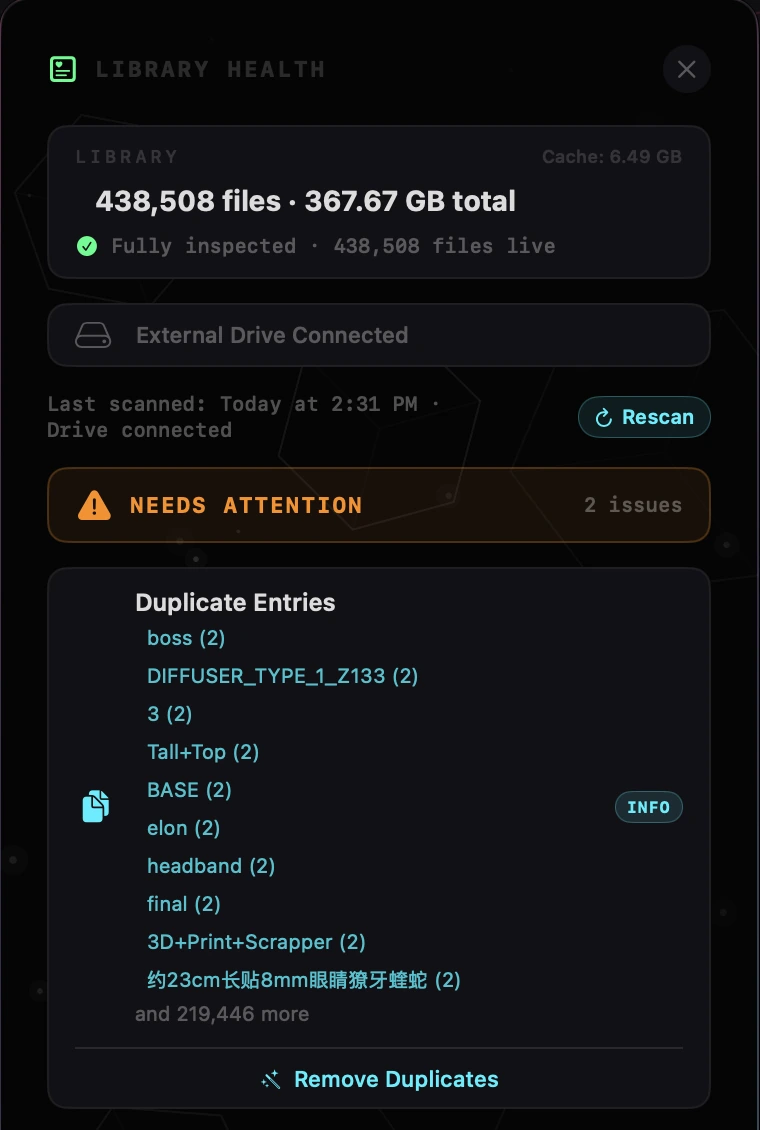
Library Health, part of HEXOstudios Pro, scans the whole library at once and shows what needs attention:
What it finds
- Duplicate entries: files that share a name, size and type
- Oversized files: anything over 200 MB
- Library size and cache size
- Whether your external drive is connected, with a Rescan
What it changes
Remove duplicates or oversized files from your library in a click, or leave them. Removing takes entries out of your HEXOstudios library only; your files on disk are never deleted.
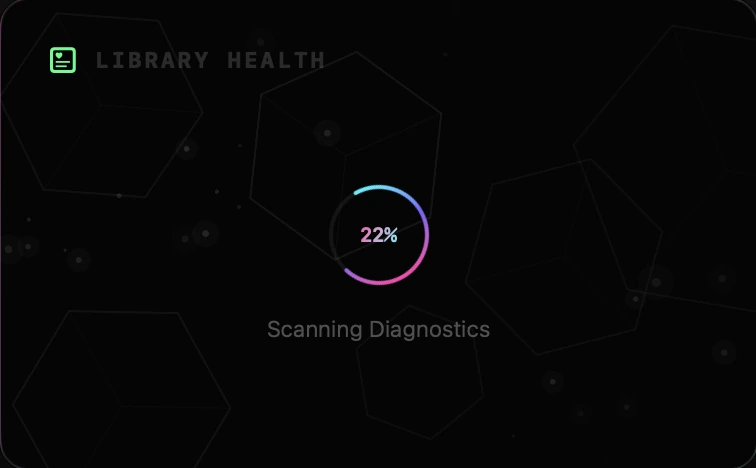
Big collections live on big drives.
Files can stay on the drive
Keep your library on an external drive. HEXOstudios marks those files with a drive icon, so you always know where a model lives.
Unplugged? Nothing is lost.
When the drive is disconnected, its files stay in your library with their thumbnails, marked offline, and they reconnect automatically when the drive is back. Files that were moved or renamed re-link the same way. With Pro, Library Health also shows whether the drive is connected, with a Rescan.
No upload, no cloud, no waiting on a server.
Everything runs locally
Thumbnails, previews, STEP processing and HEXOforge conversions all run on your Mac. HEXOstudios has no network access of its own, so a library of any size never has to be uploaded anywhere.
No account, no subscription
HEXOstudios is free on the Mac App Store, and Pro is a one-time $24.99 purchase with a 14-day free trial. Read more in WhyHEXO.
Large libraries, answered.
How many files can HEXOstudios handle?
Your library has no limit on how many files it holds, even on Free. HEXOstudios is built for real collections: with Pro, you can import whole folder trees, 200,000+ files in a single import, with their subfolders kept as your library’s structure, up to three levels deep. Single files are another matter: a very large file can be too big to preview in 3D, and HEXOforge converts files up to 500 MB.
Does HEXOstudios copy or move my files?
No. It works with your files where they already are, on your Mac or an external drive, and never copies them into itself. It keeps its index and thumbnails in its own folder on your Mac.
Can my 3D library live on an external drive?
Yes. Files on an external drive are marked with a drive icon. If the drive is disconnected, those files stay in your library with their thumbnails, marked offline, and reconnect automatically when the drive is back.
How does HEXOstudios find duplicate files?
Library Health (Pro) lists duplicate entries, files that share a name, size and type, and removes the extra entries from your library in a click. Your files on disk are never deleted.
Does HEXOstudios need an internet connection?
No. HEXOstudios has no network access of its own: importing, thumbnails, previews and conversions all happen on your Mac. Only the Mac App Store talks to Apple, for your download, trial and purchase.
Your whole collection. One library.
HEXOstudios is free on the Mac App Store. Try Pro’s nested import, Library Health and more free for 14 days inside the app.
Questions? Write to support@hexostudios.com