Preview 3MF files on your Mac, plate by plate.
HEXOstudios renders your 3MF print projects as thumbnails, shows how many plates each one holds, and lets you step through every plate in 3D, without opening a slicer.
- MULTI-PLATE 3MF
- 12 FREE 3MF PREVIEWS
- UNLIMITED 3MF WITH PRO

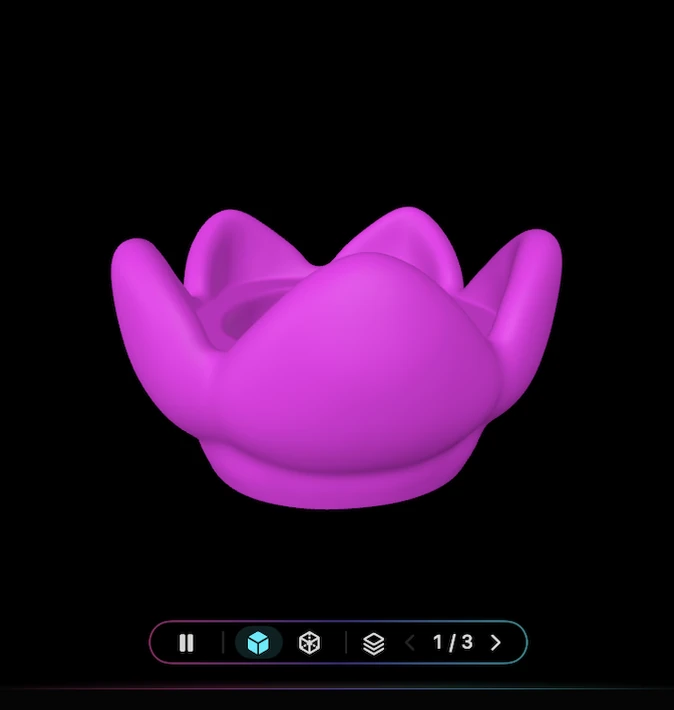
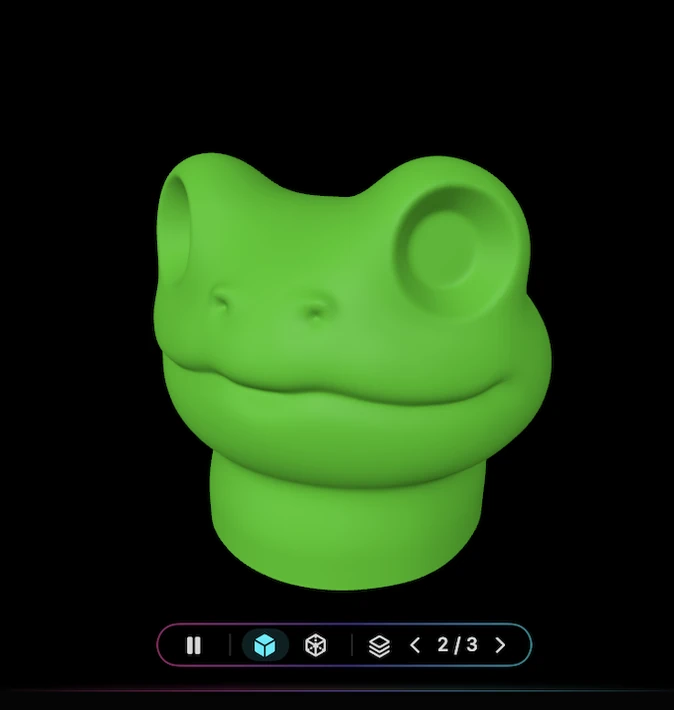
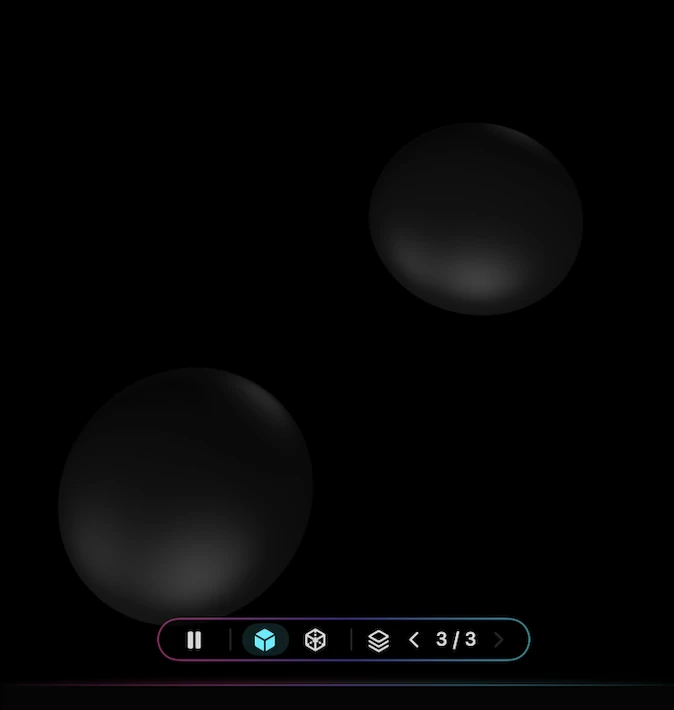
3MF projects you recognize at a glance.
A 3MF file is more than a mesh: it can carry several plates, many objects and the settings they were prepared with. In Finder it’s just another filename. In HEXOstudios it’s a rendered card you can recognize, search and organize alongside the rest of your library.
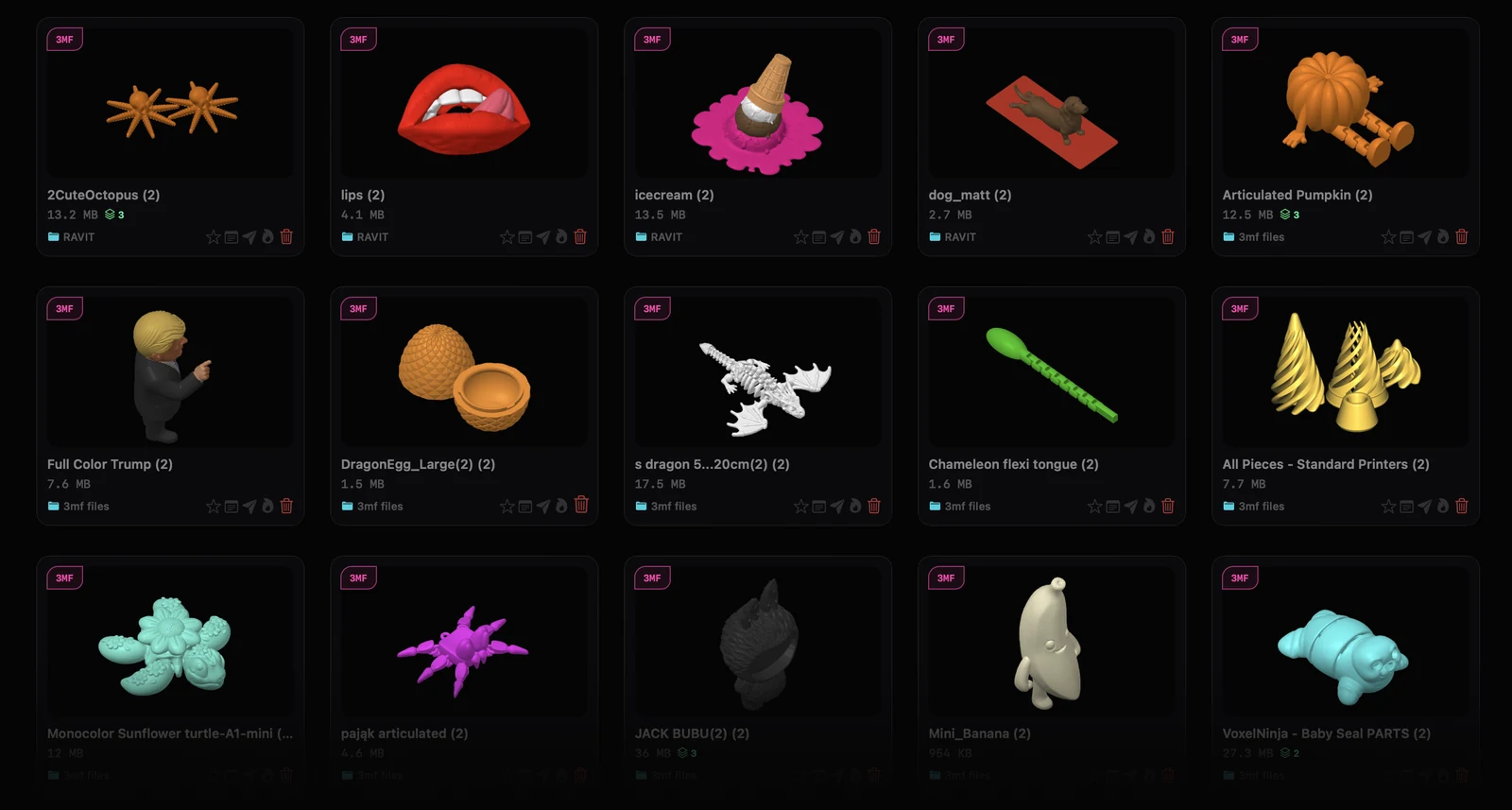
Thumbnails for your 3MF files
HEXOstudios renders each 3MF project as a thumbnail in your library, in the file’s own colours, painted colours included, right on your Mac.
The plate count, on the card
Multi-plate 3MF files are recognized automatically, and the number of plates is shown right on the file card, so you know what a project holds before you open it.
No slicer needed to look
Checking a 3MF normally means launching a slicer and waiting for the project to load. HEXOstudios is a viewer and library, not a slicer: open the preview, look, move on.
Step through every plate in 3D.
Plate by plate
When a 3MF holds more than one plate, the 3D preview shows a plate navigator. Step forward and back through each plate and see exactly what’s on it.
Full 3D Preview PRO
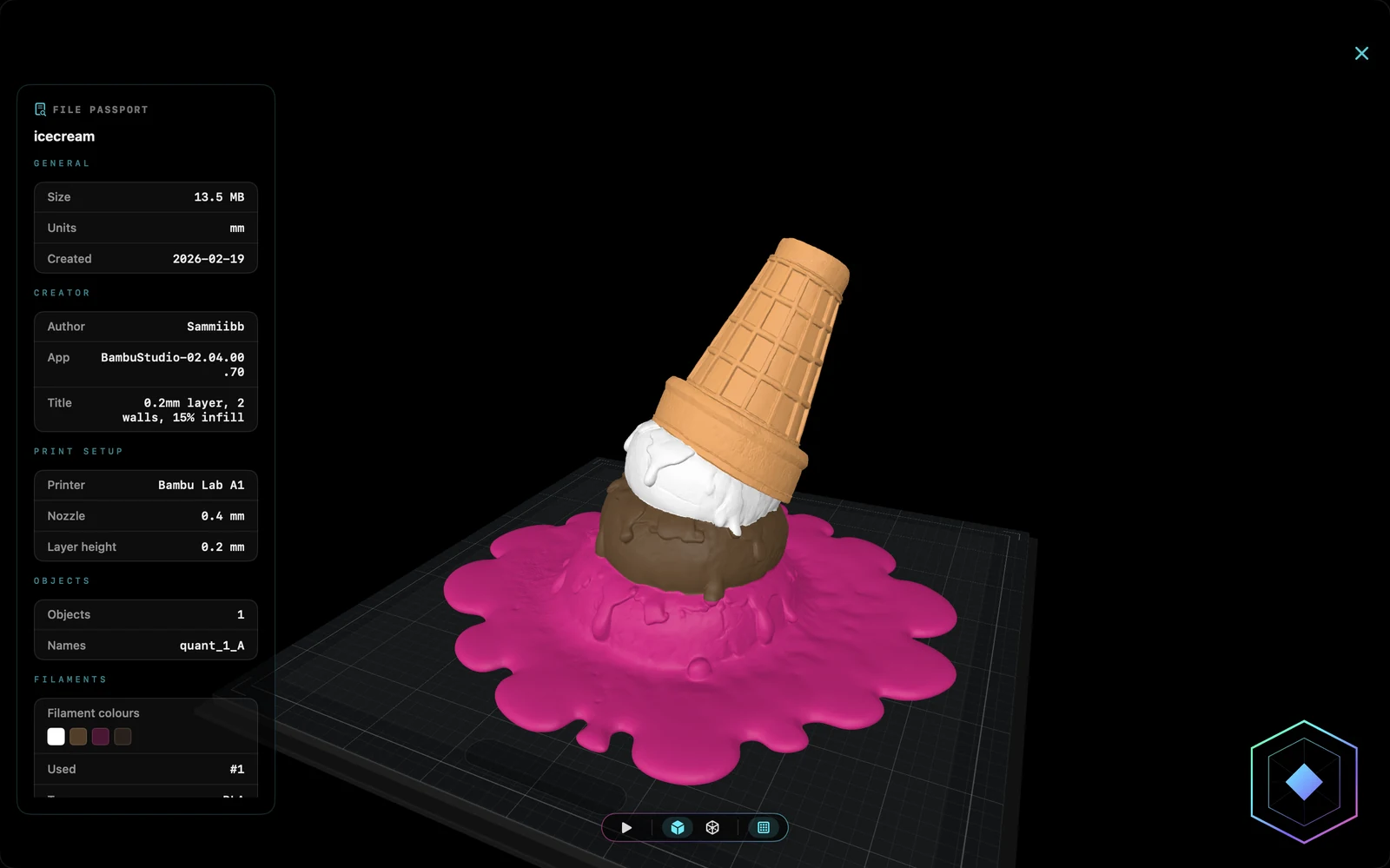
Open the project full-screen with orbit and zoom, and keep stepping through its plates there too.
Plate names and object counts PRO
File Passport lists each plate’s name and how many objects it holds, so a large project stays readable.
File Passport: the print details inside a 3MF.
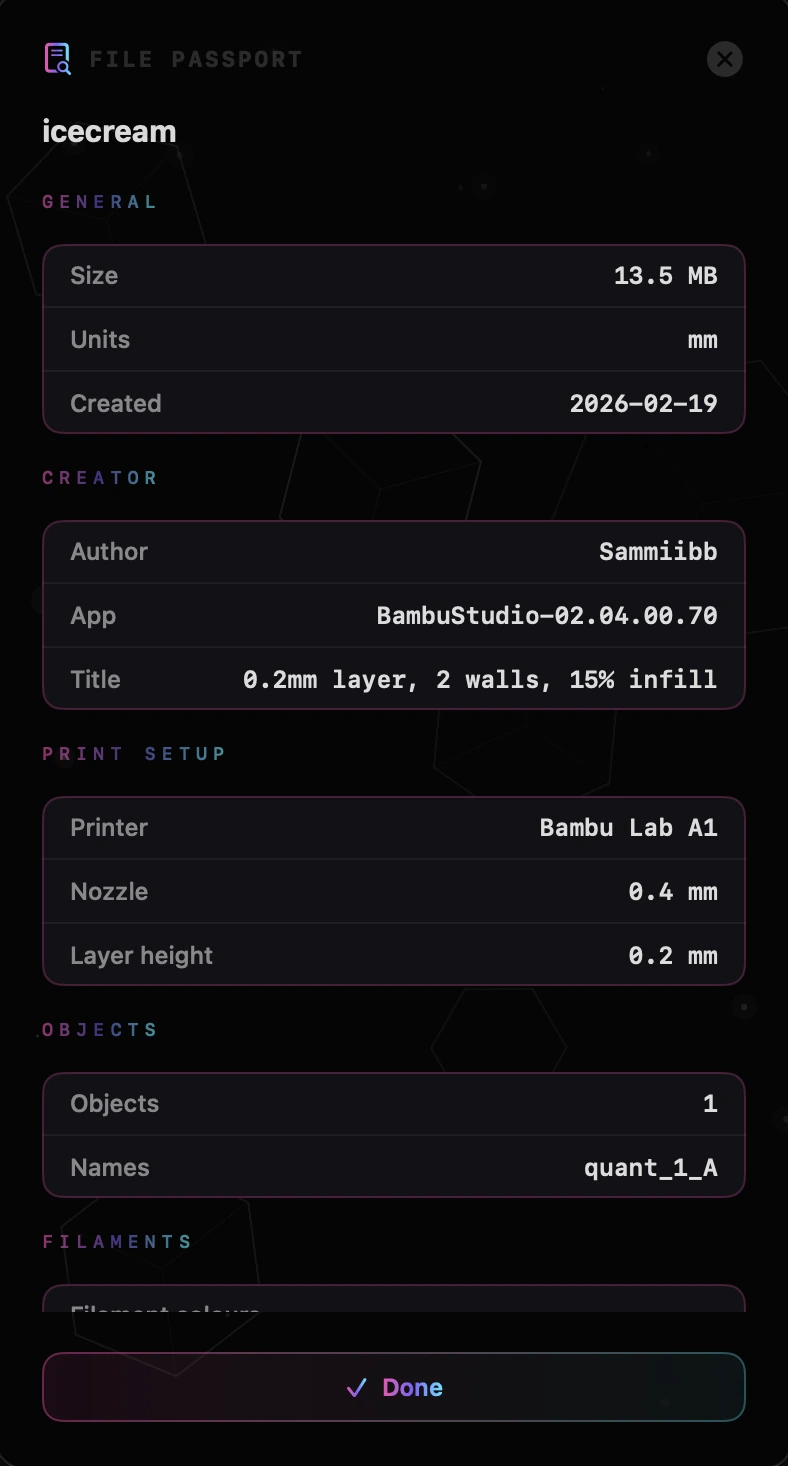
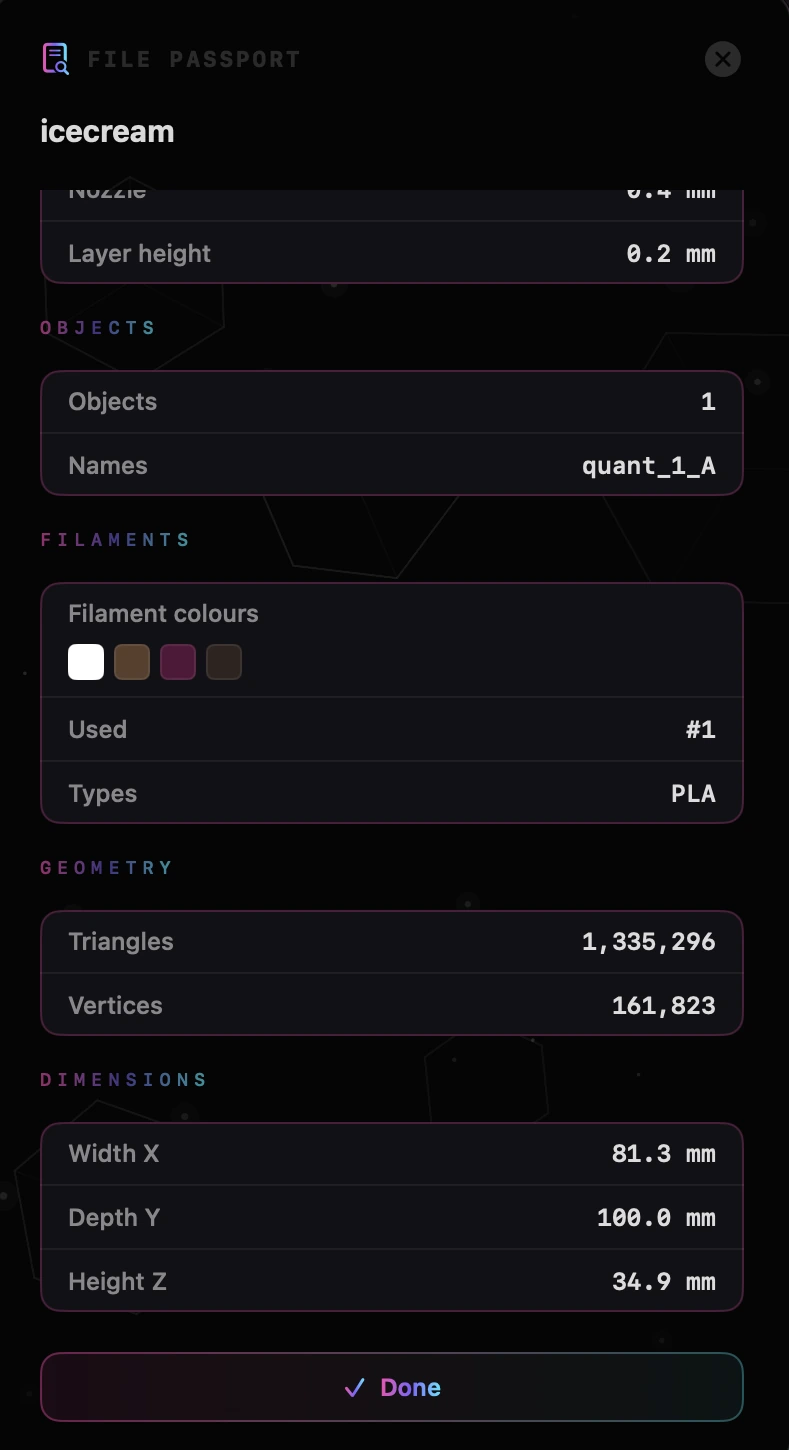
File Passport, part of HEXOstudios Pro, is a detail sheet for 3MF, STEP and G-code files. For a 3MF it reads what the file carries, when the file includes it:
Print setup and filaments
- Author, app and title
- Plate names and object counts
- Dimensions
- Printer, nozzle and layer height
- Filament colours, types and amounts
- Print-time details
Your own notes and tags
Add notes and tags to any file, so the settings that worked, or the print that failed, stay with the model in your library.
12 unique 3MF files free, for life.
Free
HEXOstudios Free previews 12 unique 3MF files and 12 unique STEP files, for life, alongside unlimited thumbnails and 3D preview for STL, OBJ, PLY, AMF and USDZ.
Pro
Pro previews unlimited 3MF and STEP files, and adds Full 3D Preview, File Passport, Send to Slicer, Project Queue and HEXOforge. It’s a one-time purchase of $24.99, with a 14-day free trial you start inside the app. See every feature.
From preview to print, or to another format.
Send to Slicer PRO
HEXOstudios detects the slicers installed on your Mac, with no fixed list, and sends a 3MF in one click, checking first that the slicer can open the format.
Convert 3MF to STL, OBJ or PLY PRO
HEXOforge converts a 3MF from your library into a clean STL, OBJ or PLY copy, locally on your Mac, and adds it to the Converted section of your library.
3MF files on a Mac, answered.
How can I open a 3MF file on a Mac without a slicer?
Add the file, or the folder it’s in, to HEXOstudios: it renders a thumbnail and shows the model in 3D. HEXOstudios Free previews 12 unique 3MF files for life; Pro previews unlimited 3MF files.
Does HEXOstudios support multi-plate 3MF files?
Yes. It recognizes multi-plate 3MF files and shows the plate count right on the file card. You can step through each plate in the 3D preview, and File Passport lists plate names and object counts.
Can I see which printer and filaments a 3MF was prepared for?
Yes, with File Passport (Pro): when the file includes them, it shows details like the printer, nozzle, layer height, filament colours and types, and print-time details.
Can I convert 3MF to STL on a Mac?
Yes, with HEXOforge (Pro). It converts a 3MF from your library into a clean STL, OBJ or PLY copy, locally on your Mac, with no upload and no internet.
Is HEXOstudios a slicer?
No. HEXOstudios organizes and previews files. When a 3MF is ready to print, Send to Slicer (Pro) hands it to a slicer already installed on your Mac.
Every plate, on your Mac.
HEXOstudios is free on the Mac App Store. Try every Pro feature free for 14 days inside the app, then keep Pro for $24.99, once.
Questions? Write to support@hexostudios.com