FreeCAD files in 3D, in your Mac library.
FreeCAD (.FCStd) models drawn from their own geometry, on your Mac. No FreeCAD installation needed.
- UNLIMITED FREE PREVIEWS

HEXOstudios is a desktop app for Mac.
The model itself, not a picture of it.
Drawn from the geometry
HEXOstudios reads the shapes saved in a FreeCAD file and draws the model itself, in its own colours, instead of the small picture FreeCAD saves in the file. Everything happens on your Mac.
Cards and 3D preview, free
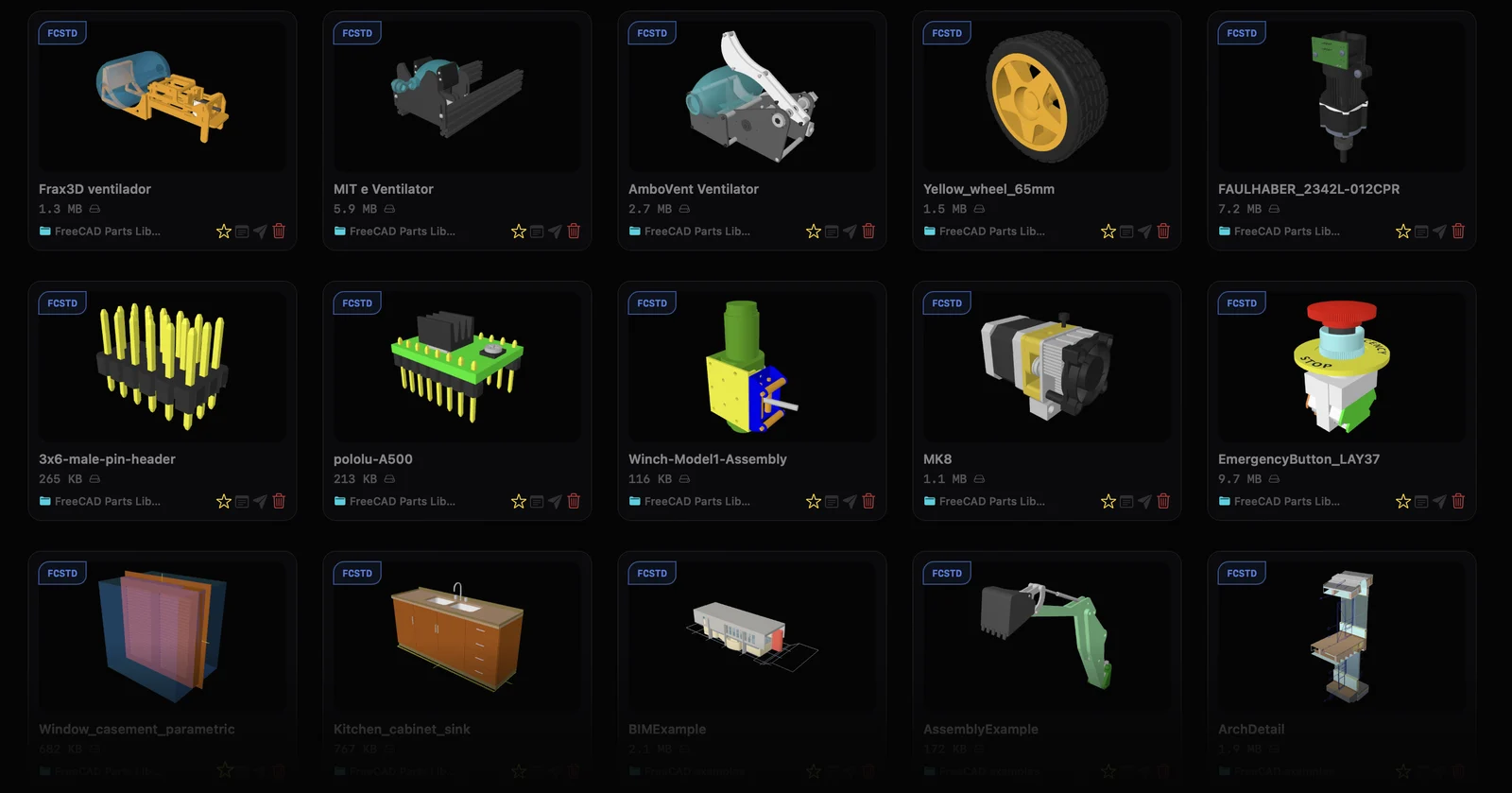
Every FreeCAD file gets a 3D card in your library, and selecting one shows the model in the preview panel. Both are part of HEXOstudios Free, for any number of files.
Full Preview PRO
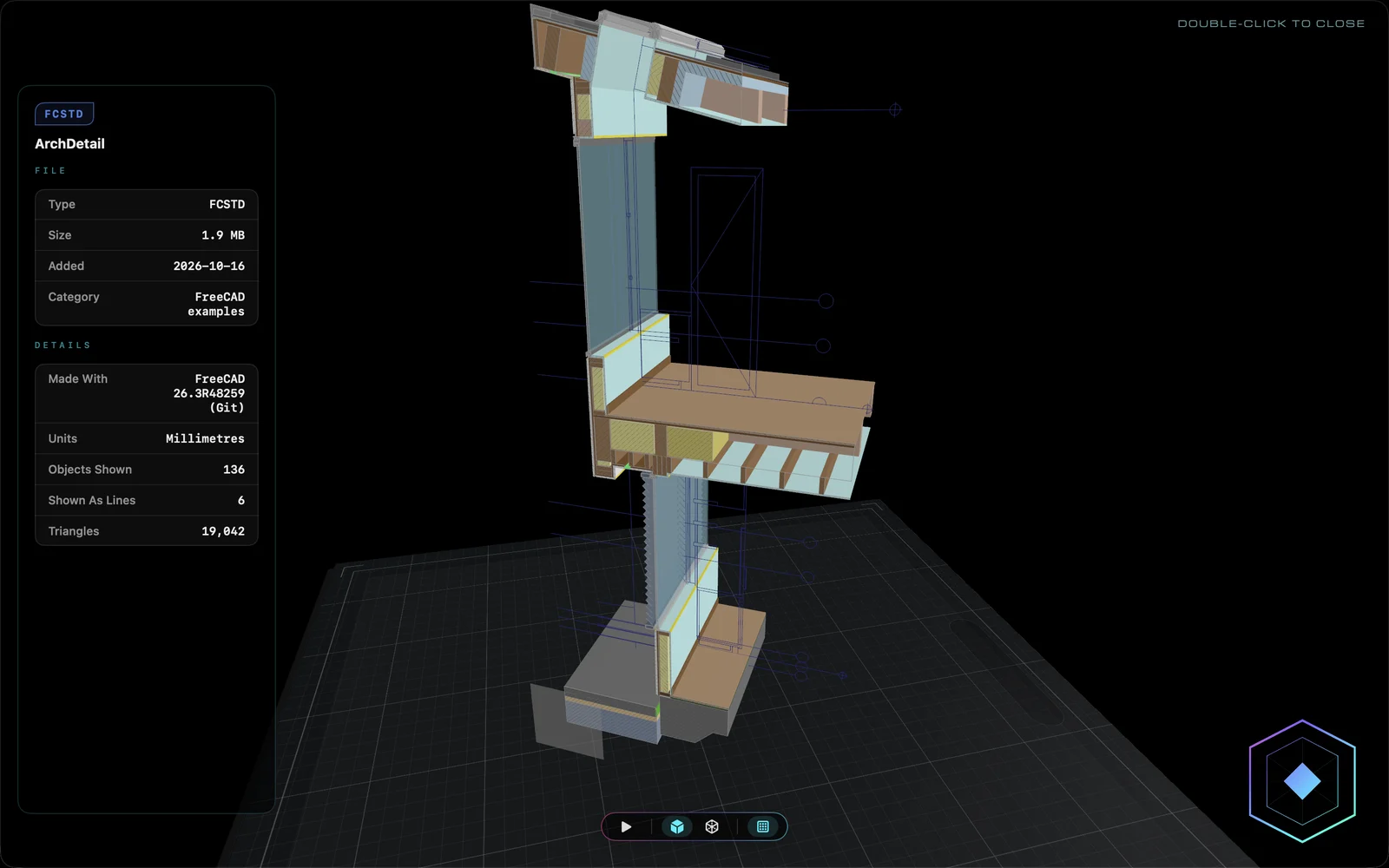
Open a FreeCAD model full-screen and explore it in interactive 3D, with orbit and zoom.
Every file, with its own record.
File Passport PRO
File Passport lays out what HEXOstudios reads from a FreeCAD file beside the model. When a model could only be drawn in part, it says so: PARTIAL PREVIEW.
Visual Export PRO
Export copies of your FreeCAD files and each one carries its HEXO card as its Finder icon.
FreeCAD beside every other format.
With your STEP, Rhino and print files
FreeCAD files sit in the same library as your STEP, Rhino, STL, 3MF and G-code files, in your own folders, with Smart Search across all of them. See all twelve 3D format families.
A viewer, not an editor
HEXOstudios previews and organizes FreeCAD files; it does not edit them, and HEXOforge does not convert them. Your files stay where they are.
FreeCAD files on a Mac, answered.
How do I open an FCStd file on a Mac without FreeCAD?
Add it to HEXOstudios, free on the Mac App Store. HEXOstudios draws the model from the file’s own geometry as a 3D card and a 3D preview, without FreeCAD installed.
Are FreeCAD previews free?
Yes. Cards and the 3D preview panel are part of HEXOstudios Free for any number of FreeCAD files. Full Preview and File Passport are part of Pro.
Can HEXOstudios edit or convert FreeCAD files?
No. HEXOstudios is a library and viewer: it shows FreeCAD files but doesn’t edit them, and HEXOforge doesn’t convert them.
Are my FreeCAD files uploaded anywhere?
No. HEXOstudios reads and draws every file on your Mac. It has no network access of its own, no account and no cloud.
Your FreeCAD models, visible on your Mac.
HEXOstudios is free on the Mac App Store. Try every Pro feature free for 14 days inside the app, then keep Pro for $24.99, once.
HEXOstudios is a desktop app for Mac.
Questions? Write to support@hexostudios.com